
Cloud migration in Thailand: scope, costs and common mistakes
Plan a cloud move around applications, dependencies, cost categories, Thai data-location rules, people and a rehearsed cutover with rollback criteria.
By UNIXDEV Team · 7 min read
Original published · English edition
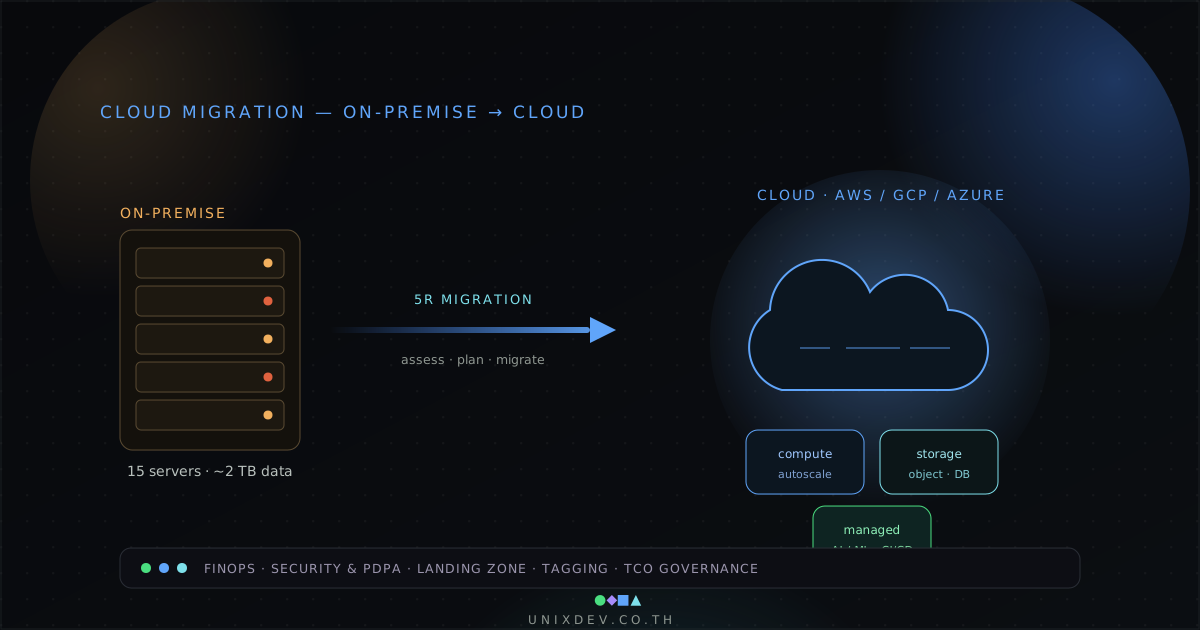
Cloud migration is a change to the way a system is hosted and operated. Moving virtual machines is only part of the work. Applications, data, access, connectivity and support arrangements all have to make the transition.
What is cloud migration?
Cloud migration means moving applications, data or whole workloads from on-premises servers, or from another cloud, to run on a cloud provider's infrastructure. Each workload can take a different path, from moving it largely as it is to changing its architecture, so planning starts by choosing an approach per workload.
Choose an approach per workload
- Rehost: move the workload with limited application change.
- Replatform: improve selected platform components while retaining much of the application.
- Refactor: change the application architecture to meet a defined need.
- Repurchase (replace): adopt a different application or service and migrate the required data and workflows.
- Retire: switch off workloads that are no longer needed.
These five are drawn from the seven Rs in AWS Prescriptive Guidance, which also include Retain and Relocate. They are planning options, not a maturity ladder. Different parts of the estate can need different approaches.
If a workload is headed for Refactor and the next question is whether to split it into microservices, see from legacy to cloud-native for how to assess it and the options.
Count the whole cost
Include compute, storage, data transfer, licenses, connectivity, monitoring, security tools and backup retention. Add discovery, migration engineering, training and parallel operation during the transition. Separate one-time work from recurring costs.
There is no single figure: a server count alone cannot produce a reliable estimate. Price each category from the system's actual usage and the provider's calculator or quotation, and compare total cost of ownership over several years rather than one month of cloud fees against the old data-center bill. The first year usually carries one-time work and a period of parallel running on top of recurring costs.
Benefits are conditional
Cloud can make capacity and managed services easier to obtain. It does not automatically make an application cheaper, more secure or more available. An oversized workload or a poorly controlled data-transfer pattern can remain expensive after migration.
Does data have to stay in Thailand?
The answer depends on the type of data and the rules that apply to the organization. This summary is drawn from the texts and agency documents cited; it is not legal advice, and your legal team or data protection officer should confirm it for a real project.
Personal data under the PDPA
The Personal Data Protection Act B.E. 2562 (2019) does not impose a general requirement to store personal data in Thailand. Transfers abroad must instead satisfy Sections 28 and 29. Section 28 requires the destination to have adequate protection standards under the Committee's criteria, unless an exception applies, such as compliance with law, informed consent, or performance of a contract with the data subject. Section 29 allows transfers within a group under certified binding corporate rules, or with appropriate safeguards that make the data subject's rights enforceable.
The Personal Data Protection Committee issued notifications on Section 28 and Section 29, dated 12 December 2023. The Section 29 notification recognizes model clauses including the ASEAN Model Contractual Clauses and the EU Standard Contractual Clauses. The Section 28 notification excludes storage on cloud services where technical or legal measures ensure no outside party has access; read that exclusion narrowly rather than assuming every overseas cloud is outside the transfer rules.
Financial institutions supervised by the Bank of Thailand
Bank of Thailand Notification No. SorKorChor 5/2566 (2023) on IT risk governance does not state that systems must be hosted in Thailand, but it adds conditions for significant systems on public cloud. Commercial banks notify the BOT at least 15 days before a significant technology change, while specialized financial institutions, finance companies and credit foncier companies need prior approval. Institutions must identify where the provider processes or stores their data, keep backups in Thailand or another country that is not the primary service location when using an overseas provider, encrypt important data in transit and at rest, and cover worst cases in continuity plans, at minimum an outage of the region used, of all regions, and of the institution's own network links.
Government agencies
According to material from the Digital Government Development Agency, the Digital Government Development Committee approved a National Cloud approach on 28 November 2025: government data is to be stored in Thailand as the norm, and agencies are to consider a sovereign cloud for top-secret data. Under the cloud procurement guideline for fiscal 2027, agencies requesting state budget procure cloud through the Government Data Center and Cloud service (GDCC) first. The notification and standards that would make this binding were still in draft at the time of writing, so agencies should check the current versions with DGA and the Ministry of Digital Economy and Society.
Cloud regions located in Thailand
| Provider | Status (per the provider's announcement) |
|---|---|
| AWS | Asia Pacific (Thailand) Region, available from 7 January 2025 with three Availability Zones |
| Google Cloud | Bangkok region, launched 21 January 2026 |
| Huawei Cloud | AP-Bangkok region, in service |
| Alibaba Cloud | Data center in Thailand since 2022, with a second opened in February 2025 |
| Oracle | No OCI public region in Thailand; AIS announced plans to launch AIS Cloud on Oracle Alloy in August 2024 |
| Microsoft Azure | Plans a Thailand region; as of October 2026 the Azure geographies page still lists it as intent to establish, not available |
Choosing a Thai region does not settle compliance on its own. Check where backups, logs, monitoring and any optional services store or process data, and who can access them.
Five mistakes to avoid
Skipping discovery
Inventory the application, data stores, scheduled tasks, integrations, accounts and actual resource usage. Document unsupported components and unknown owners.
Underestimating dependencies
A server may depend on identity, DNS, a shared file system or a service that is not moving. Map these connections and test latency and failure behavior.
Leaving security and data requirements until the end
Agree access controls, encryption, logging, region selection and applicable contractual or regulatory requirements before choosing the design. A region label alone does not establish compliance; see Does data have to stay in Thailand? above.
Ignoring cost governance
Set ownership, tagging, budgets and a review cadence. Track storage growth and idle resources, and understand commitments before purchasing them.
Forgetting the people who operate the system
Update runbooks and incident contacts. Rehearse deployment, restoration and rollback. Explain the changed workflow to users and support staff.
Plan the cutover and the rollback
Cutover, when users move from the old system to the new one, is the riskiest part of the project: data is still changing and users are waiting. Decide before the day how the move happens, who decides and how you go back if it fails.
Before cutover day
- Rehearse at least once with real or realistic data, and time each step so you know how long the outage window must be.
- Lower DNS TTLs in advance, at least one old-TTL period before cutover, so cached records expire and switching to the new system and back takes effect quickly.
- Synchronize data ahead of time so the outage covers only the latest changes, and agree how to prove both sides match, for example row counts and checksums.
- Tell users and set a freeze on changes and new features around the cutover.
- Write down go/no-go criteria, who decides and the last point at which rollback is still possible.
Rollback criteria
Agree in advance what forces a rollback, such as data that does not reconcile, failed tests of key transactions or overrunning the announced window. Keep the old system ready until the agreed rollback window has passed. If the new system has accepted new data, you need a way to carry it back, or rollback exists only on paper.
After cutover
Run a hypercare period with the migration team watching closely and answering users faster than usual. Check logs, scheduled jobs and external integrations. Decommission the old system only once the agreed period has passed and a restore from the new backups has been proven.
A pre-migration checklist
- State the business reason and the measurable criteria for a successful move.
- Complete the inventory and dependency map.
- Review identity, network, data location and security requirements.
- Build a cost model with a period of parallel operation.
- Test data transfer and application behavior in the target environment.
- Rehearse the cutover, lower DNS TTLs and agree go/no-go and rollback criteria with a named decision-maker.
- Prove that backups in the new environment can be restored.
- Confirm the team, coverage and budget for ongoing operations.
Start with a cloud assessment when the estate or costs are unclear. For a structured migration framework, see AWS migration strategies; the choice should still follow your workload rather than a vendor preference.