
Nextcloud Collaboration deployment and support
File sharing and collaboration on infrastructure your organization can manage, with integration and support from UNIXDEV.
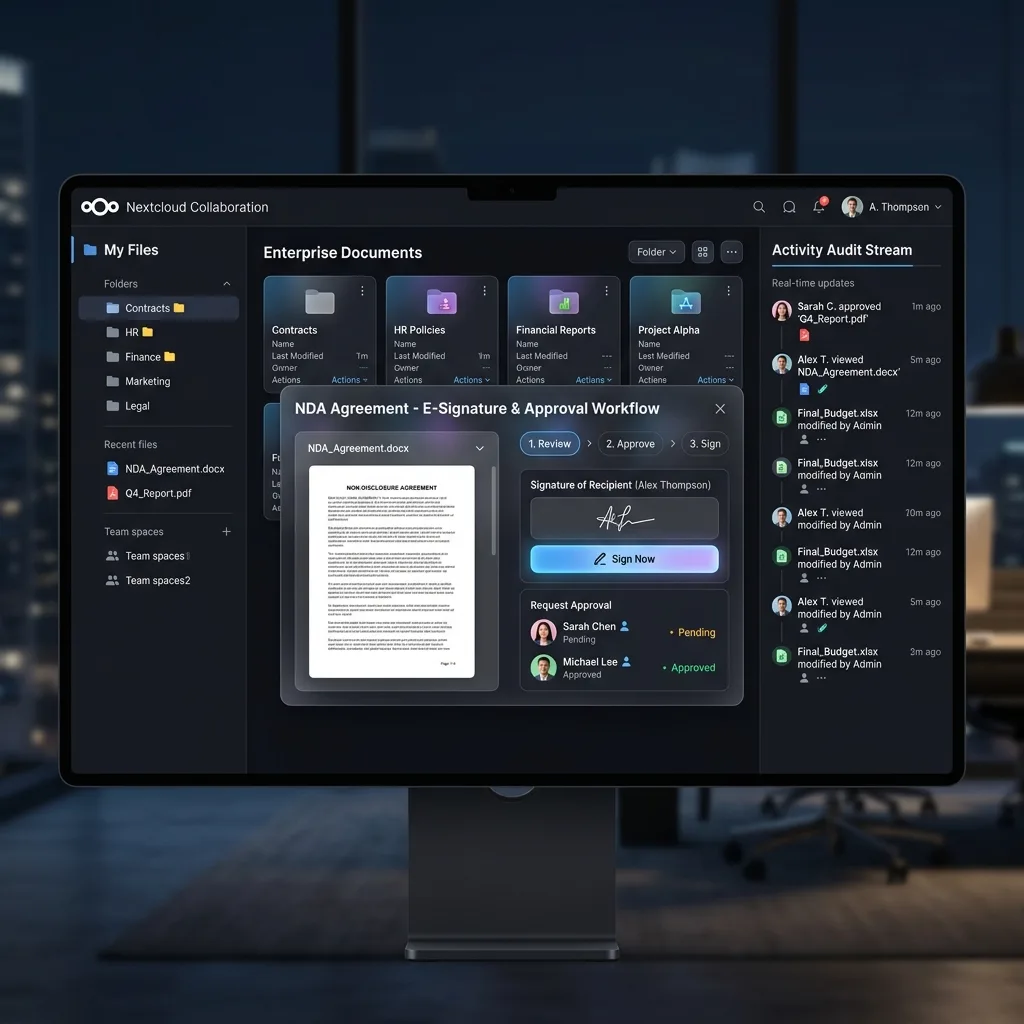
Illustration for orientation; product interfaces and licensed features vary by version and edition.
What to evaluate
- File synchronization, sharing and access controls.
- Document collaboration through a compatible office integration.
- Connections to organizational identities and selected external storage.
- Optional collaboration applications selected for the actual workflow.
Deployment and handover
We plan the application, database, caching, storage and backup setup, then review identity integration, branding and any required extensions. Test permissions and collaboration flows before users move their working files.
Sizing and commercial scope
Capacity depends on active users, file volume, synchronization traffic and office or video workloads. Community software, enterprise subscriptions and third-party applications have different terms; confirm the required licenses and support.
When to consider this platform
Useful when control over deployment and file-sharing policy matters. It is important to test the workflows your users need rather than assume a feature-for-feature replacement for another office suite.
Confirm the current product details
UNIXDEV provides deployment, integration and support services. Product features, licenses and certifications should be confirmed against the selected vendor offering.
Official vendor information